Introduction
Auto pay for landlords sounds like a small convenience until you realize you’ve spent 11 Tuesdays in a row texting tenants about rent. That’s not property management. That’s babysitting adults.
This guide walks you through everything: what auto-pay actually is, how to set it up properly, which platforms are worth your time, and what can go wrong (with real examples). By the end, you’ll have a clear system you can set up this week.
What You’ll Learn:
- What auto-pay is and how it works technically
- Step-by-step setup process
- Best platforms compared
- Real risks and how to handle them
- Answers to the most common landlord questions
What Is Auto-Pay for Rent Collection?
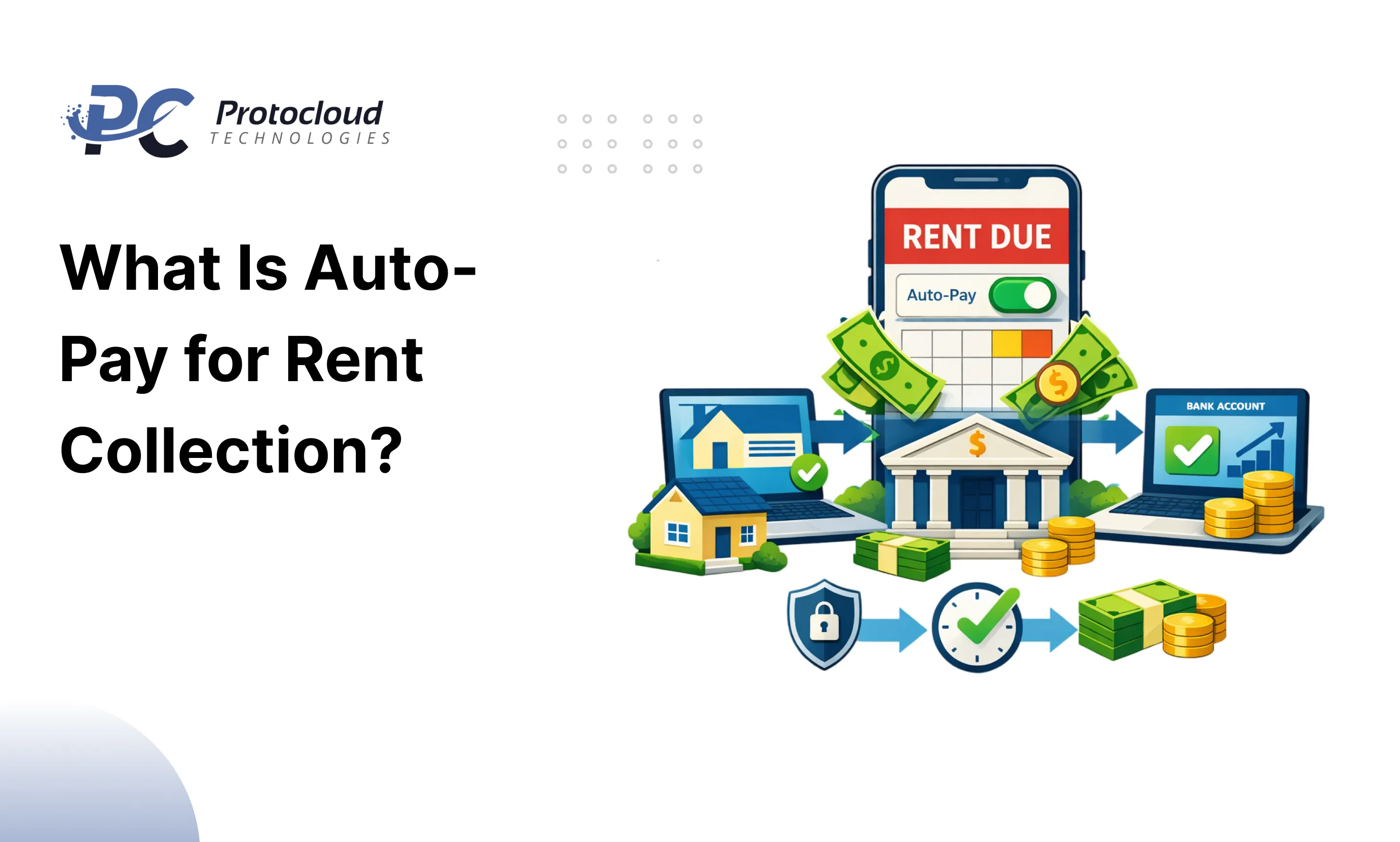
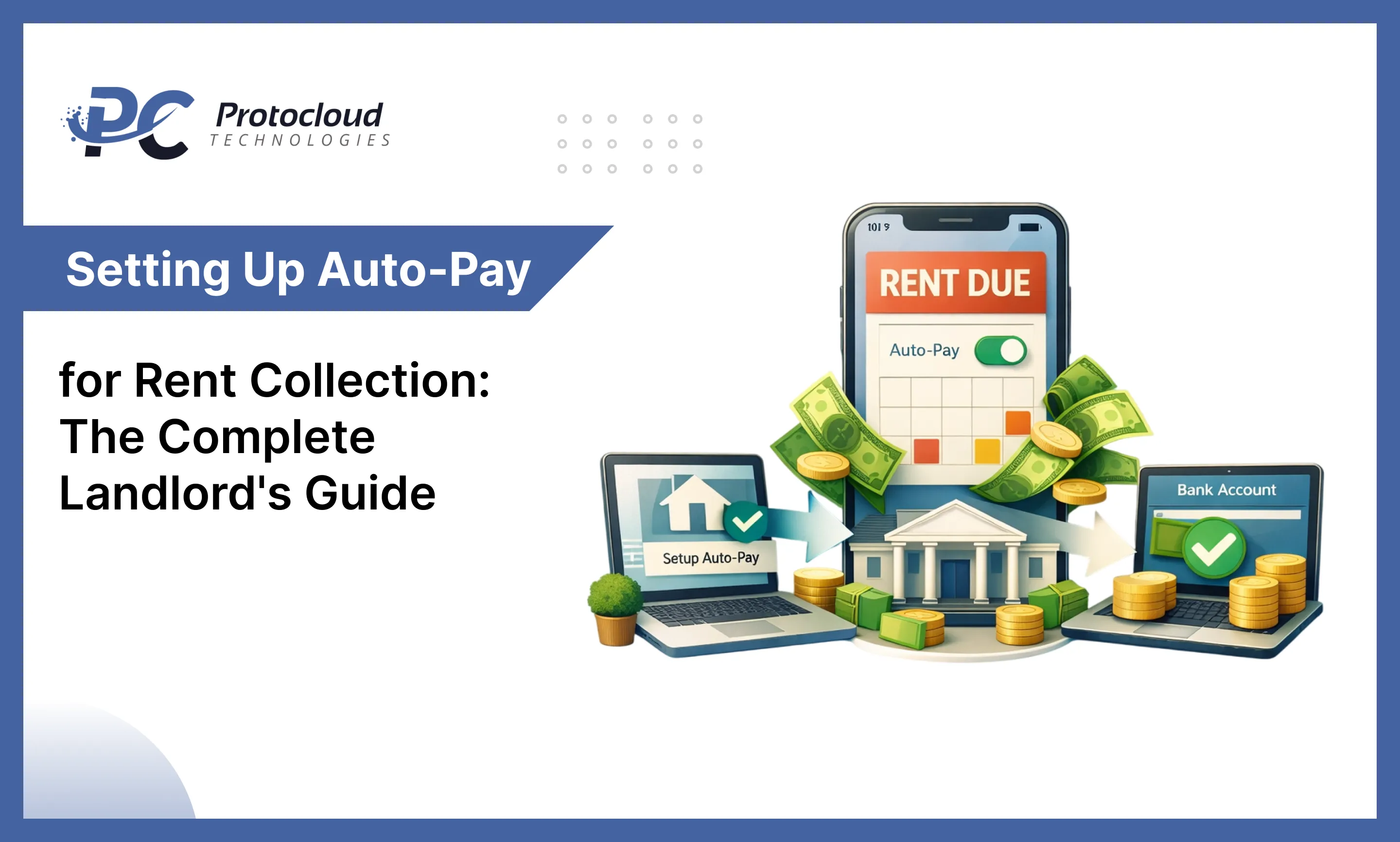
Simply put, auto-pay is a system where your tenant’s rent transfers to your bank account automatically on a fixed date every month with no reminder texts, no awkward conversations, no waiting.
The tenant sets it up once. After that, the payment runs on its own through ACH bank transfer or a connected payment platform.
Here’s how it differs from collecting rent manually:
| Factor | Auto-Pay | Manual Collection |
| Payment timing | Fixed, automatic | Depends on tenant |
| Landlord effort | Near zero | High every month |
| Late payment risk | Very low | High |
| Paper trail | Automatic | Manual record-keeping |
| Tenant experience | Convenient | Can feel like a chore |
How Does Auto-Pay Work for Landlords?
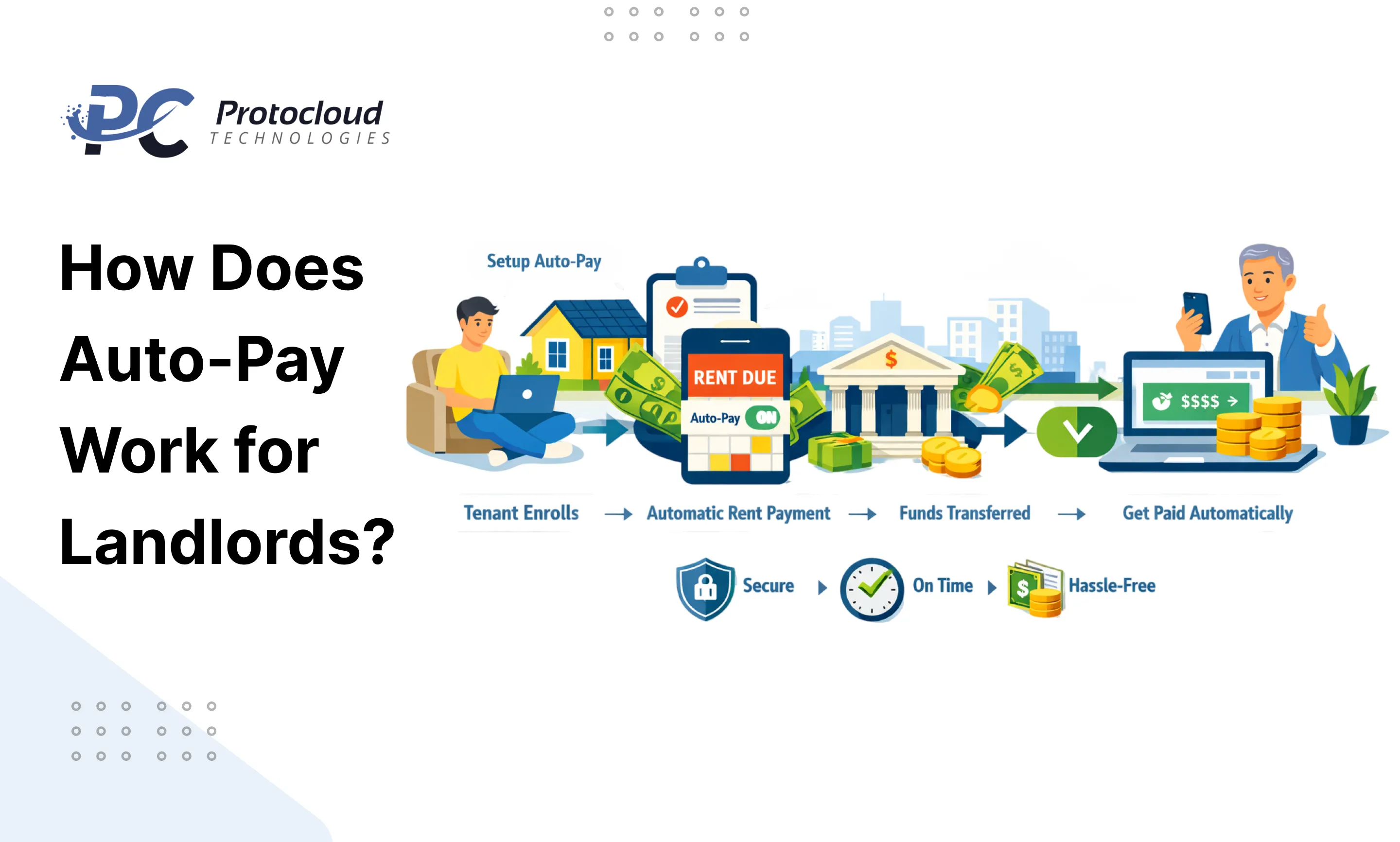
The process is straightforward once you see it laid out:
- Tenant authorizes the payment they connect their bank account or card to the platform and approve the recurring amount
- Payment triggers on the set date the system initiates the transfer automatically
- Funds move via ACH typically takes 1–3 business days to land in your account
- You get a notification most platforms send email or SMS confirmation when payment is received or if it fails
That’s it. No chasing. No follow-up. The money either arrives or you get an alert to act on.
Benefits of Setting Up Auto-Pay as a Landlord
Consistent cash flow is the obvious win. The advantages don’t stop there, though.
On-time payments become the default. When rent runs automatically, tenants don’t “forget.” The date comes, the payment goes. Disputes about “I thought I paid” drop significantly.
Tracking also gets easier. Every transaction is logged inside the platform date, amount, status. Come tax season, you’re not digging through bank statements.
Landlord payment automation also reduces the emotional weight of the landlord-tenant relationship. When money isn’t a monthly conversation, the relationship stays professional and calm.
A few numbers worth knowing: platforms like Buildium report that landlords using online rent collection software see late payments drop by up to 35% compared to manual methods. Less friction means fewer missed payments.
What to Consider Before Setting Up Auto-Pay
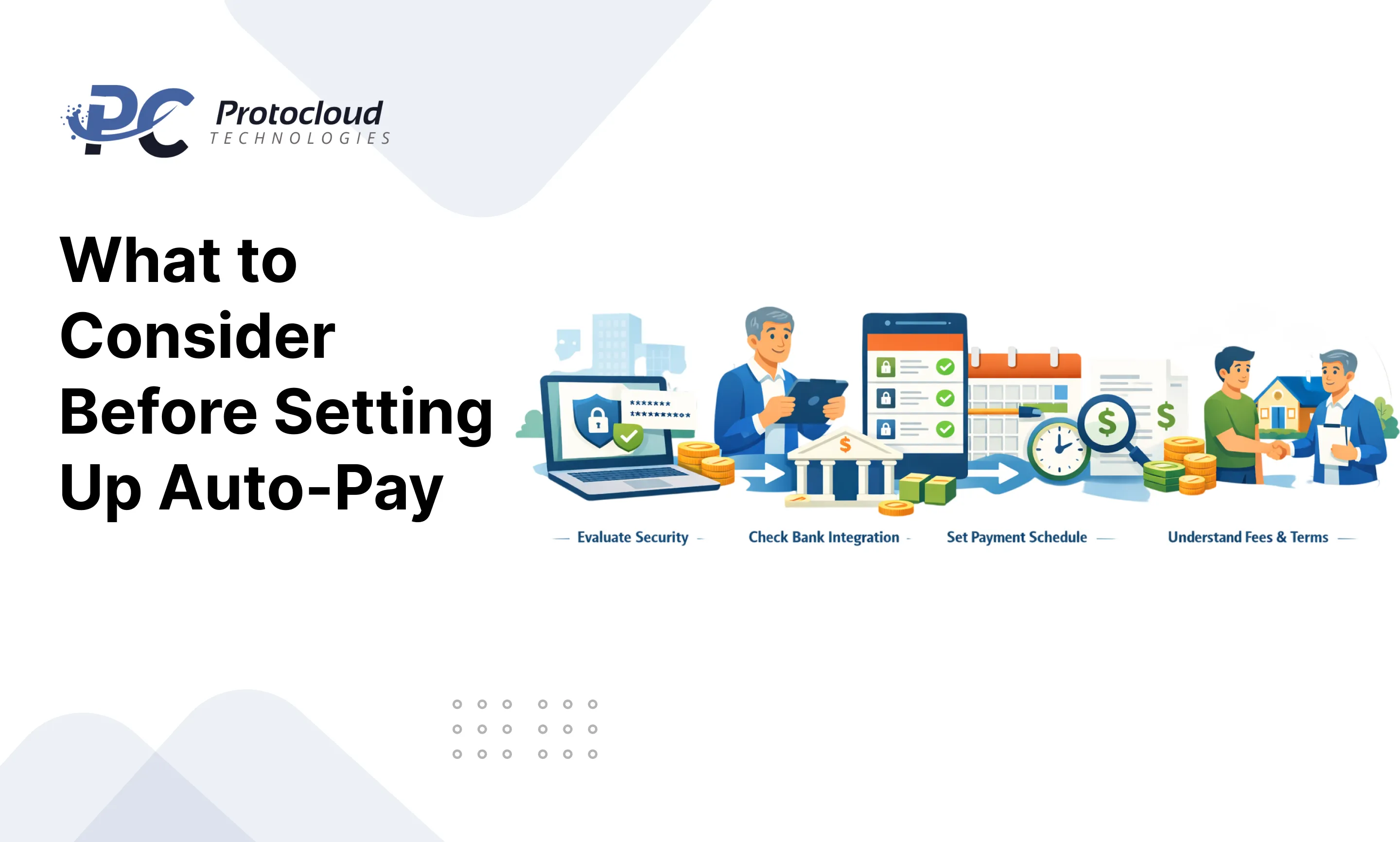
Before you send your tenant a setup link, slow down for five minutes. A couple of important details should be sorted out beforehand.
Legal requirements vary by location. Some states in the US require written notice before switching to digital payments. In the UK and parts of Europe, direct debit rules apply. Check your local landlord-tenant laws before making auto-pay mandatory.
Tenant consent is non-negotiable. Put the agreement in written form, preferably attached to the lease as an additional clause. This protects you if a tenant later disputes a charge.
NSF (Non-Sufficient Funds) policies need to be clear upfront. What happens if the payment bounces? What’s the fee? Put this in the lease before setting anything up.
Grace periods matter. If rent is due on the 1st but your tenant gets paid on the 3rd, a rigid auto-pay setup creates unnecessary failures. Build a 2–3 day grace window into your settings.
Data privacy is also worth a thought. Make sure the platform you choose is PCI-compliant and encrypts financial data.
Step-by-Step Guide to Setting Up Auto-Pay
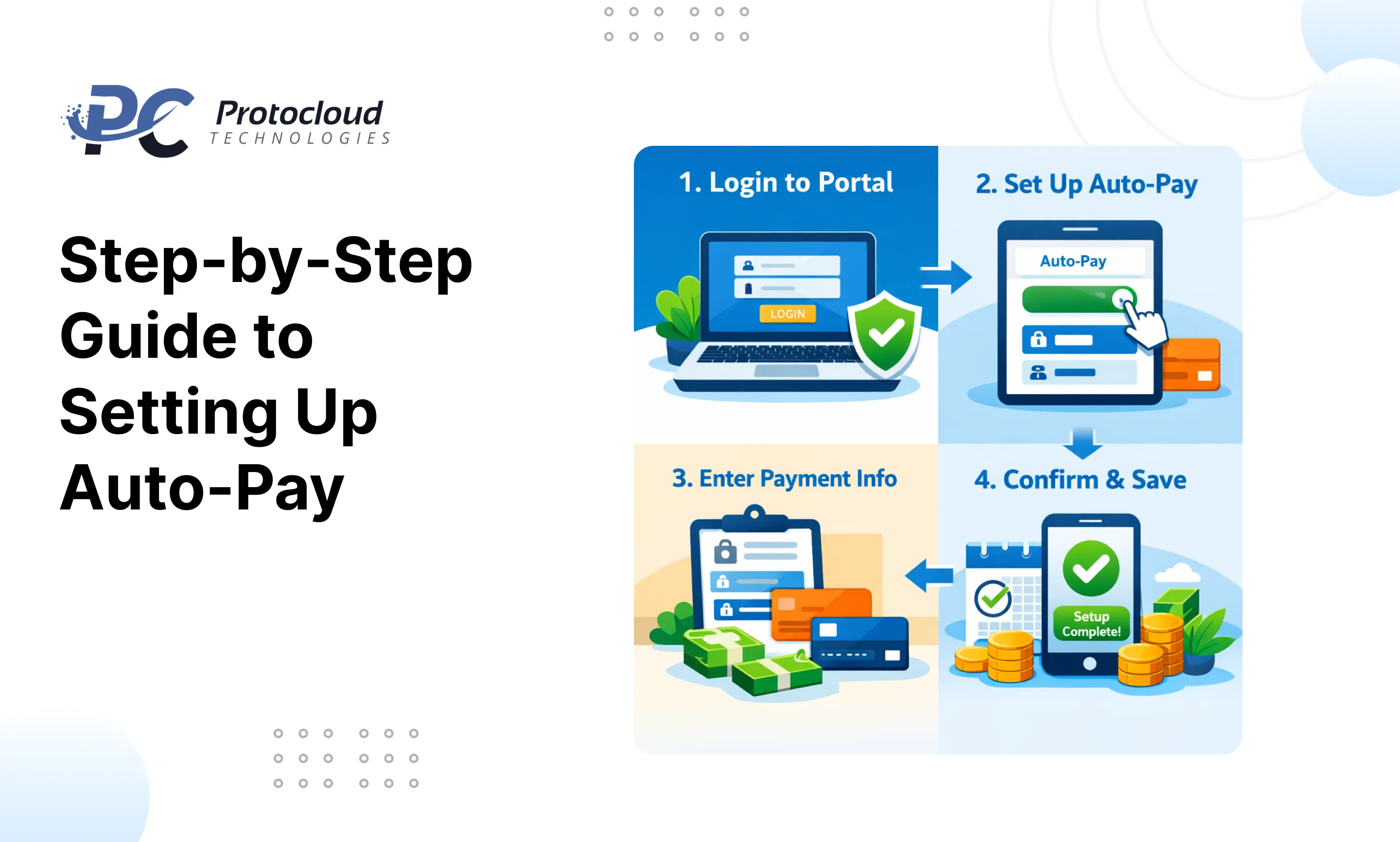
Step 1: Choose the Right Payment Platform
Pick a platform built for landlords not generic payment tools like Venmo or PayPal. Look for ACH support, automated receipts, and late fee handling.
Step 2: Create Your Landlord Account and Verify Identity
Most platforms require ID verification and bank account linking before you can receive payments. Have your government ID and bank details ready.
Step 3: Add Your Bank Account Details
Connect the account where you want rent deposited. Double-check routing and account numbers one wrong digit and payments go nowhere.
Step 4: Invite Your Tenant and Get Authorization
Send your tenant an invite through the platform. They’ll create an account, connect their bank, and authorize the recurring payment. This step generates the digital consent record.
Step 5: Configure Payment Amount, Date and Frequency
Set the exact rent amount, due date, and payment frequency (monthly in most cases). If you charge a late fee after a grace period, configure that here too.
Step 6: Set Up Notifications and Reminders
Turn on alerts for successful payments, failed payments, and upcoming due dates for both you and your tenant. Most platforms support email and SMS.
Step 7: Test the First Transaction
Before going fully hands-off, watch the first payment cycle closely. Confirm the amount is correct, timing is right, and funds land in your account as expected.
Step 8: Monitor and Manage Payments Monthly
Check the dashboard once a month. Look for failed payments, upcoming renewals where the rent amount changes, or tenants who’ve updated their bank details.
Best Platforms to Set Up Auto-Pay for Landlords
Buildium
Rating: 4.5/5 | Pricing: From $55/month | Best For: Landlords managing 10+ units | Limitations: Pricey for small portfolios
Rentec Direct
Rating: 4.4/5 | Pricing: From $45/month | Best For: Independent landlords wanting full property management | Limitations: Interface feels dated
Zillow Rental Manager
Rating: 4.2/5 | Pricing: Free (with transaction fees) | Best For: Landlords already using Zillow for listings | Limitations: Limited automation features
PayRent
Rating: 4.3/5 | Pricing: Free basic plan available | Best For: Small landlords wanting simple rent payment services | Limitations: Fewer integrations
Apartments.com (Cozy)
Rating: 4.1/5 | Pricing: Free for landlords | Best For: Free online rent collection software for landlords with small portfolios | Limitations: Slower ACH processing (4–5 days)
Disadvantages and Risks of Auto-Pay — Real Cases
| Risk | Real Case | How to Avoid |
| Failed payments due to insufficient funds | Landlord John in Texas had 3 bounced payments in Q1 tenant’s account ran low mid-month | Set NSF alerts and add NSF fee clause to lease |
| Wrong amount after rent increase | A California landlord didn’t update the auto-pay amount after raising rentmold amount charged for 2 months | Review settings every lease renewal |
| Tenant disputes unauthorized charge | A New York landlord faced a formal dispute no written tenant consent on file | Always get signed written authorization |
| Platform downtime delays payment | A Florida landlord’s payment was delayed 4 days during a platform outage | Use platforms with uptime SLAs and backup payment options |
=
How to Handle Auto-Pay Failures as a Landlord
Payments fail. Not often, but it happens. Here’s how to handle it cleanly.
First, don’t panic. Most platforms notify you within hours of a failed transaction. Check whether it’s an NSF issue, expired card, or a bank error.
Reach out to the tenant the same day keep it factual, not accusatory. A simple message works: “Hey, looks like this month’s payment didn’t go through. Can you check your account and reprocess by [date]?”
Your lease should already define the late fee structure. Apply it consistently exceptions create expectations.
If failures repeat more than twice in a quarter, consider whether auto-pay is the right setup for that particular tenant. Some tenants do better with manual reminders. Disabling auto-pay and switching to a reminder-based system is a legitimate call.
Conclusion
Setting up auto pay for landlords isn’t complicated — but doing it right takes a bit of upfront work. Get the legal consent, configure your settings carefully, and choose a platform that fits your portfolio size.
The payoff is real: fewer late payments, zero monthly follow-ups, and a cleaner record for tax time. Start with one property, test it for two months, and expand from there.
Ready to automate your rent collection? Start with the platform comparison section above and pick the one that fits your setup today.
FAQs
Can a landlord force a tenant to use auto-pay4?
In most US states, no you can’t legally require it unless it’s written into the original lease agreement. Always check local landlord-tenant laws before making it mandatory.
What happens if auto-pay fails on the due date?
The platform sends a failure notification. You’ll need to contact the tenant and apply any late fees per your lease terms. Most platforms allow tenants to manually retry the payment.
Is auto-pay safe for rent collection?
Yes, when you use PCI-compliant platforms. ACH transfers are processed through the banking system, the same infrastructure used for payroll and bill payments.
Can I set up auto-pay for multiple properties?
Absolutely. Platforms like Buildium and Rentec Direct are built specifically for auto pay rent collection for multiple properties each unit gets its own payment configuration.
Does auto-pay work for commercial rentals?
It can, but commercial leases often have variable charges (CAM fees, utilities). Auto-pay works best when the monthly amount is fixed. For variable amounts, a hybrid approach works better.
What’s the best free auto-pay platform for landlords?
Apartments.com and PayRent both offer free tiers. For basic rent payment services with no monthly fee, Apartments.com is a solid starting point for landlords with 1–4 units.