You wake up one morning and open your laptop. Your files are gone. Well, not exactly gone — they are locked. And there is a message on your screen asking you to pay money to get them back.
That is ransomware. And it is scarier than it sounds.
It does not matter if you run a small business, work at a big company, or just use a laptop at home. You are not safe from this threat. Ransomware attacks are growing fast, and most people have no idea what hit them until it is already too late.
Let us break this down in simple, easy words — no heavy tech talk, no confusion.
What Is Ransomware?
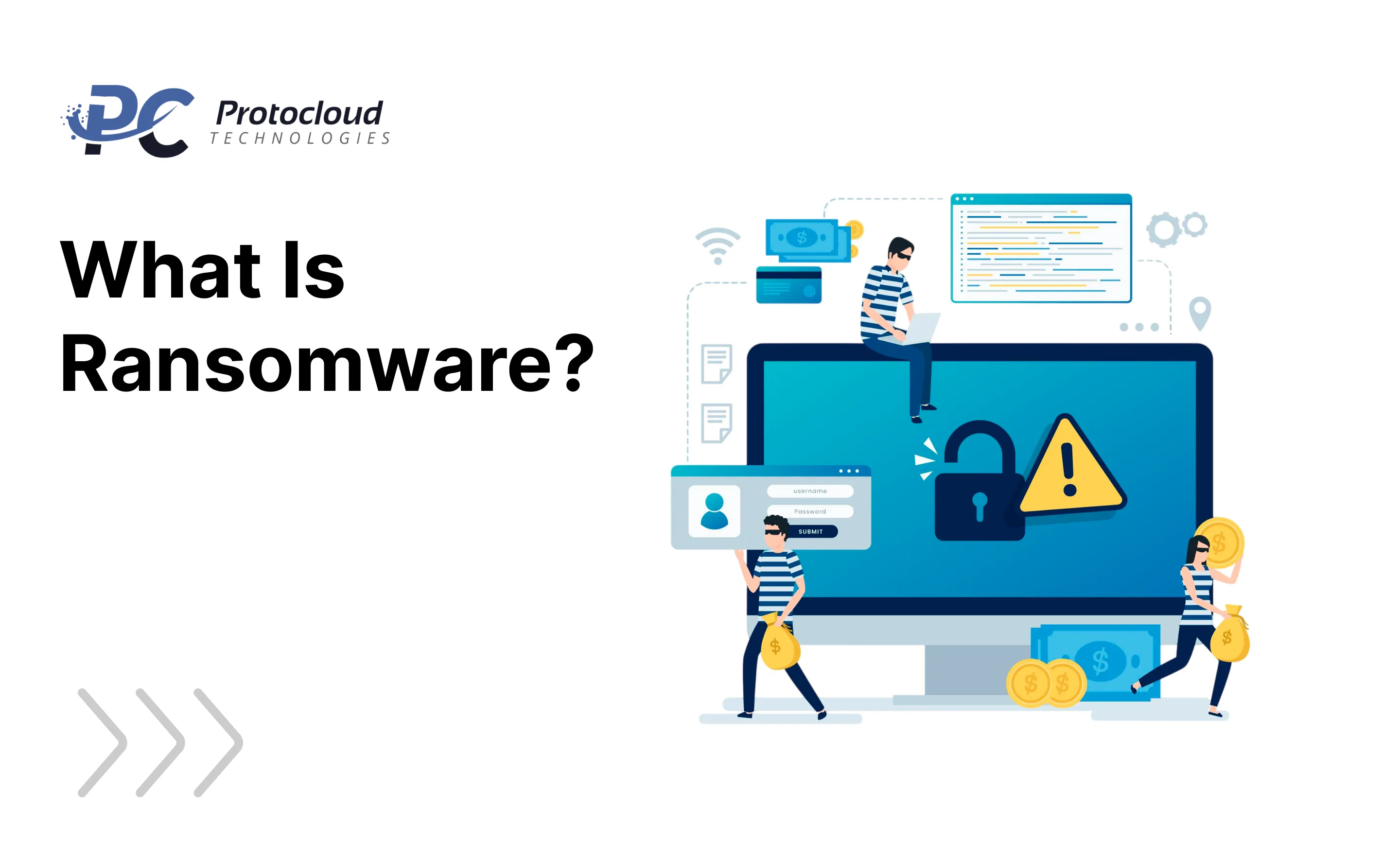
Ransomware is a type of bad software — experts call it malware — that locks you out of your own files or computer. The attacker then asks you to pay money before giving you access back.
Think of it like a digital kidnapping. Instead of taking a person, hackers take your data.
Your family photos, your work documents, your client files — all of it can be locked away by a stranger sitting on the other side of the world. That is the real meaning behind the ransomware definition.
Ransomware first showed up in the late 1980s. But it really became a big problem in the early 2000s. Today, it causes more than 10% of all data breaches in the world. And as more people work from home and store data online, the numbers keep going up. Ransomware statistics also show that cryptocurrency made things worse — it made it much easier for criminals to get paid without getting caught.
Organizations that hold sensitive data — personal information, financial records, and intellectual property — are the biggest targets. But honestly, nobody is completely safe.
How Does Ransomware Work?
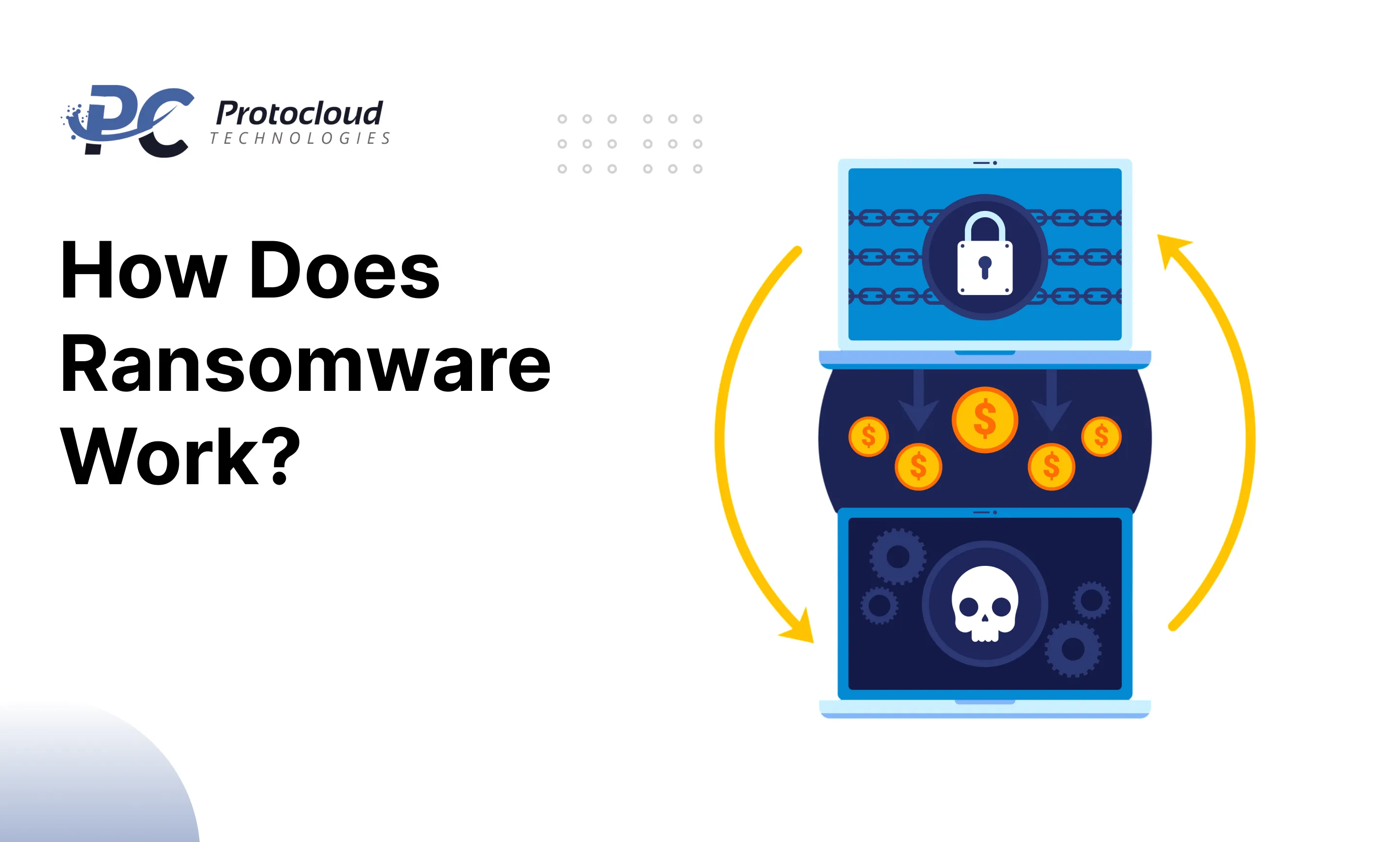
Here is the thing about how ransomware works — it is sneaky. It does not show up and announce itself. It quietly gets into your system and starts causing damage before you even notice.
Once ransomware enters your computer, it secretly infects it. It starts attacking your files and changing your login details without you knowing anything. Before long, the attacker controls everything.
File Encryption
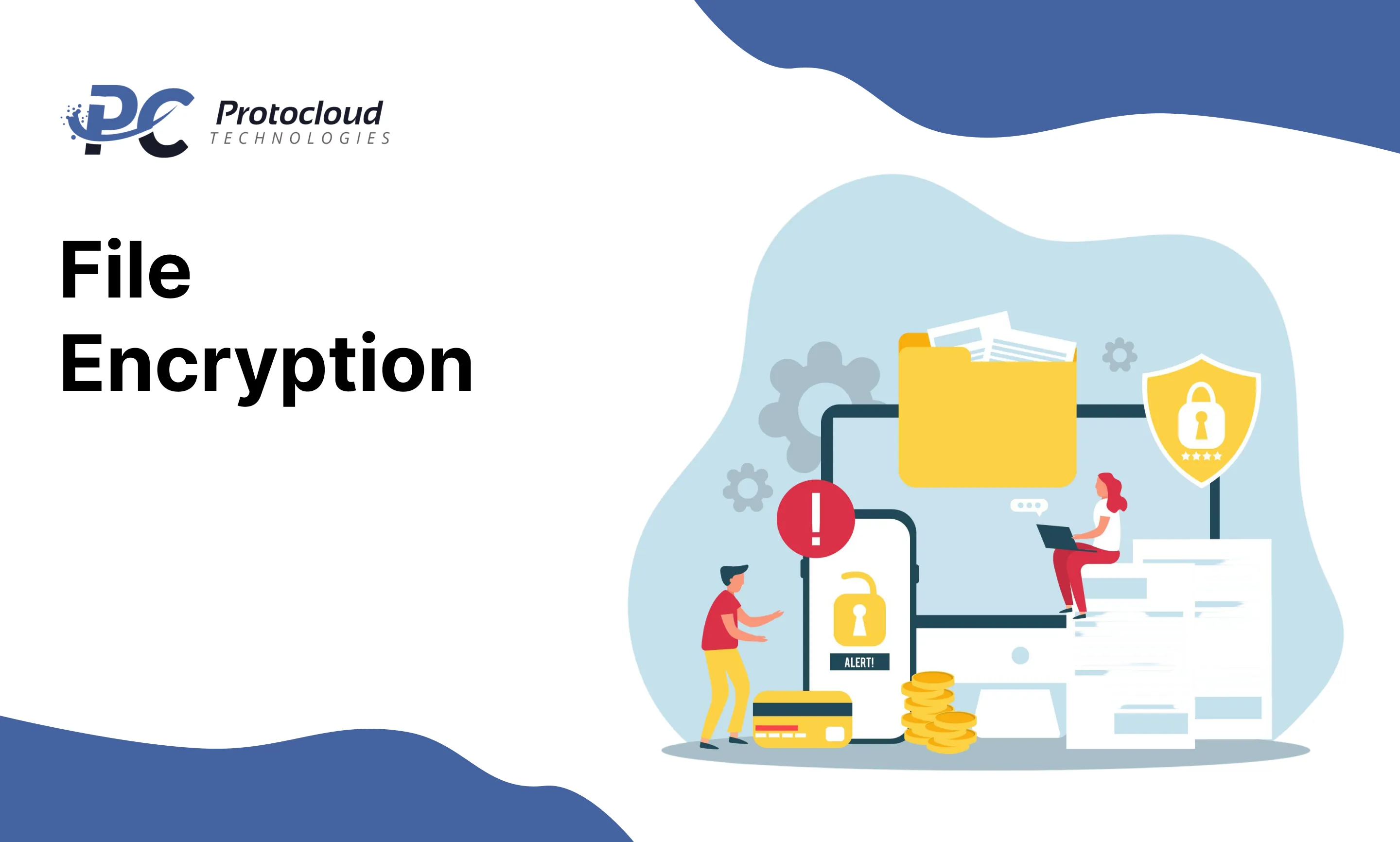
Encrypting ransomware — also called cryptoware — locks all the files on your computer using complex codes. You cannot open or find any of your files unless you pay the attacker. Only the attacker has the password to unlock them. Sometimes, the attacker locks the whole computer and demands money before giving you a new password.
Leakware and doxware work differently. Instead of locking your files, the attacker threatens to post your private information online if you do not pay. Businesses that have secret data — like patents or private plans — are often hit by leakware and doxware attacks.
Ransom and Demands
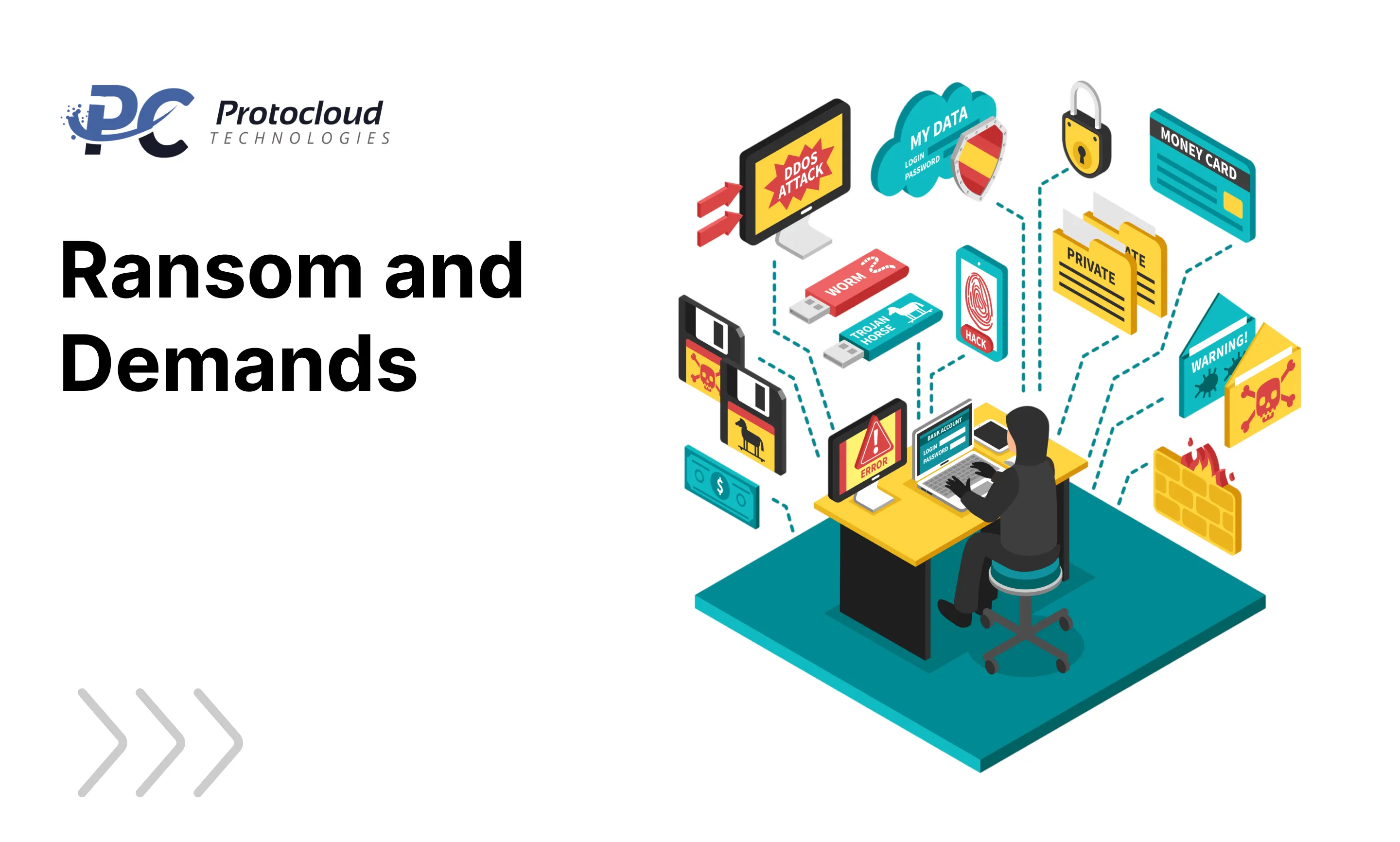
When it comes to ransomware payment, hackers usually ask for money through hard-to-trace methods like Western Union or text message. Many now ask for bitcoin ransomware payments because crypto is anonymous and has no intermediary. Once they get the money, they unlock your files.
Some attackers even pretend to be police or government officials. They tell you your computer was found with illegal content and ask you to pay a “fine” to get it back.
Stages of a Ransomware Attack
The ransomware attack stages show you that this is not random. It is planned carefully, one step at a time.
The ransomware lifecycle starts with reconnaissance — the attacker studies you and looks for weak spots. Then comes infection, where they get into your network through phishing attacks or bad links. After that is the escalation stage, where the ransomware digs deeper into your system. Next is scanning, where it maps your whole network. Then comes encryption — your files get locked. Finally, the ransom stage hits — you get a note demanding payment.
Every step in this process is designed to give you as little time as possible to react.
Types of Ransomware
It is cheap and easy for criminals to start these attacks. The tools they need are available on the dark web for almost nothing. Understanding the difference between the deep web and the dark web helps you see exactly where these criminals shop for their tools.
Here are the most common types of ransomware and ransomware examples you should know.
- Scareware: This is one of the oldest tricks around. Scareware tries to frighten you by saying your computer has a virus. Then it pushes you to buy fake software to fix the fake problem. If a warning pops up out of nowhere telling you that you are infected, do not trust it unless it comes from a security tool you actually installed and trust.
- Screen Locker Ransomware: Screen locker ransomware locks your entire screen, so you cannot do anything. A message appears asking for payment. It might even look like it came from the police. If this happens to you, do not pay. Wipe your system and restore from a backup instead.
- Crypto Ransomware / Encrypting Ransomware: This is the most dangerous type. Crypto ransomware uses powerful code to lock every file on your device. You get a note telling you how much to pay and how to pay it. Your best option is to restore everything from a clean backup rather than giving in to the attacker.
- Leakware and Doxware: These go one step further. Instead of just locking your data, leakware and doxware attackers threaten to post your private information online. For companies with secret business data, this threat is sometimes even scarier than losing file access.
- Ransomware-as-a-Service (RaaS): This is one of the scariest ransomware trends right now. With RaaS, anyone can rent or buy a ready-made attack package from the dark web — no tech skills needed. The attacker just pays and launches. This is a big reason why ransomware 2026 attack numbers keep climbing every single month.
- Government-Targeted Ransomware: Government offices are big targets because they cannot afford to stay shut down for long. When attackers lock a government system, millions of people are affected. That pressure makes officials more likely just to pay up, which is exactly what attackers want.
Ransomware Impact on Businesses and Organizations
The ransomware impact on businesses is huge and getting worse every year. Hospitals, banks, schools, and government offices are hit the hardest because they store sensitive data and cannot handle being offline for long.
But small businesses and regular people are just as much at risk. Cybersecurity threats like ransomware do not care how big or small you are.
Ransomware statistics tell a worrying story. Attacks are happening more often, hitting harder, and costing more money. Average ransom demands have gone up a lot. Many businesses still pay because they feel they have no other choice. Every data breach caused by a ransomware attack can ruin your reputation, destroy customer trust, and cost you serious money.
Real Ransomware Attack Examples You Should Know About
Looking at real ransomware variants and ransomware families makes the danger much more real and much more urgent.
RansomHub ransomware was one of the biggest ransomware-as-a-service examples of 2024. This RaaS ransomware group pulled in affiliates from criminal groups like ALPHV and LockBit. It was known for encrypting data very fast and slipping past endpoint detection and response systems. It mostly hit organizations in the US and Brazil before stopping operations in April 2025.
Akira ransomware uses ChaCha encryption ransomware technology and gets in through phishing emails and VPN vulnerabilities. It uses LOLBins attack methods and credential dumping attacks to move through networks without getting caught. Sometimes it does not even bother encrypting — it just quietly steals data. Education, finance, manufacturing, and healthcare are its main targets.
Play ransomware — also called Playcrypt ransomware — has been active since 2022. It uses double extortion ransomware tactics, meaning it locks your data and threatens to release it at the same time. It gets in through FortiOS vulnerabilities and exposed RDP ransomware entry points. Its use of intermittent encryption ransomware makes it very hard for security tools to detect in time.
Qilin ransomware is a newer Rust-based RaaS ransomware that appeared in 2025. After RansomHub shut down, Qilin stepped up fast. It customizes each attack for its specific target and uses ransomware data leak sites to pressure victims. It is one of the most dangerous ransomware threats 2025 has seen so far.
Other well-known ransomware families include LockBit ransomware, DearCry ransomware, Maze ransomware, and Lapsus$ ransomware. All of them use encryption, data theft, and careful targeting to hit large organizations hard.
Ransomware Protection: Building Your Defense Before an Attack Hits
Knowing the threats is only half the job. The other half is building a strong wall before anything goes wrong. Here is what real ransomware protection looks like.
Endpoint Protection and NGAV
Basic antivirus is not enough anymore. You need next-generation antivirus NGAV to catch fileless attacks, hidden malware, and zero-day threats. Combine that with strong EDR security, and your team can spot and stop attacks on individual devices in real time. That is exactly what endpoint detection and response is designed to do.
Data Backup Done Right
A solid ransomware data backup strategy is one of the most powerful tools you have. Follow the 3-2-1 backup rule — three copies of your data, on two different types of storage, with one copy kept somewhere completely separate. If you can, disconnect your backup drive from your device entirely. That way, ransomware cannot touch it even if it gets into your main system.
Patch Management and Application Control
Always keep your software updated. Good patch management security shuts the doors that attackers love to sneak through. Run vulnerability scanning often to catch weak spots early. Use application allowlisting so only approved apps can run on your devices. Turn on the disable macros security settings in your documents, and tighten your browser security settings too. These small steps block some very big threats.
Email and Network Defenses
Most phishing ransomware attacks start with a single email. Strong email security phishing protection is not optional — it is essential. Train your people, run practice drills, and use spam protection tools to catch suspicious messages automatically. On the network side, use a web application firewall WAF along with an intrusion detection system IDS and an intrusion prevention system IPS. These tools work together to block command and control attack prevention efforts before they can do any damage.
Ransomware Detection in Real Time
Real-time ransomware detection tools watch for unusual file activity and block infected users the moment something looks wrong. Deception-based detection takes this further — hidden files are planted across your system, and the moment ransomware touches one, the infected user gets locked out automatically. Pair this with proper file activity monitoring and ransomware forensic analysis tools to keep a clear cybersecurity audit trail for any investigation that follows.
Ransomware Removal and Recovery: What to Do When It Is Too Late to Prevent
Even the best defenses sometimes fail. If ransomware gets through, here is a clear ransomware response strategy to follow.
- Isolate Immediately: Start with ransomware containment. Find every infected machine, cut it off from the network, and lock all shared drives right away. Network isolation ransomware response needs to happen in minutes — every second the malware stays connected, it spreads further.
- Investigate the Infection: Once things are contained, start looking into what happened. Check what backups you have available. Find out which ransomware variants hit your system and search online for any free ransomware decryptor tools that researchers may have already released.
- Recover Your Data: If no decryptor exists, backup restoration ransomware recovery is your best move. Most authorities around the world advise against paying the ransom — it funds more attacks and gives you no real guarantee. If needed, do a full system wipe and reimage on infected machines to make sure nothing is left behind.
- Reinforce Your Defenses: Once the crisis is over, sit down with your team and run a proper ransomware lessons learned session. Find out exactly how the attackers got in, what gaps they used, and what needs to change. Your cybersecurity risk assessment should turn into a real action plan — not just a document that sits in a drawer.
- Evaluate and Improve: After everything calms down, do a full ransomware incident evaluation. Ask the tough questions. How did the ransomware get in? Why did your filters miss it? How far did it spread? Was your ransomware vulnerability analysis strong enough? Every answer helps you build a better cybersecurity improvement plan and a stronger enterprise security strategy in the future.
Stay One Step Ahead
The world of ransomware global attacks moves very fast. New ransomware affiliate groups appear every month. Old ones rebrand and come back under new names. Attack methods keep getting smarter and harder to catch.
The only real way to stay safe is to stay informed, stay prepared, and never think it cannot happen to you.
Because in 2026 and beyond, the question is not whether attackers will try. The question is whether you will be ready when they do.